

Overview:
Resume.com
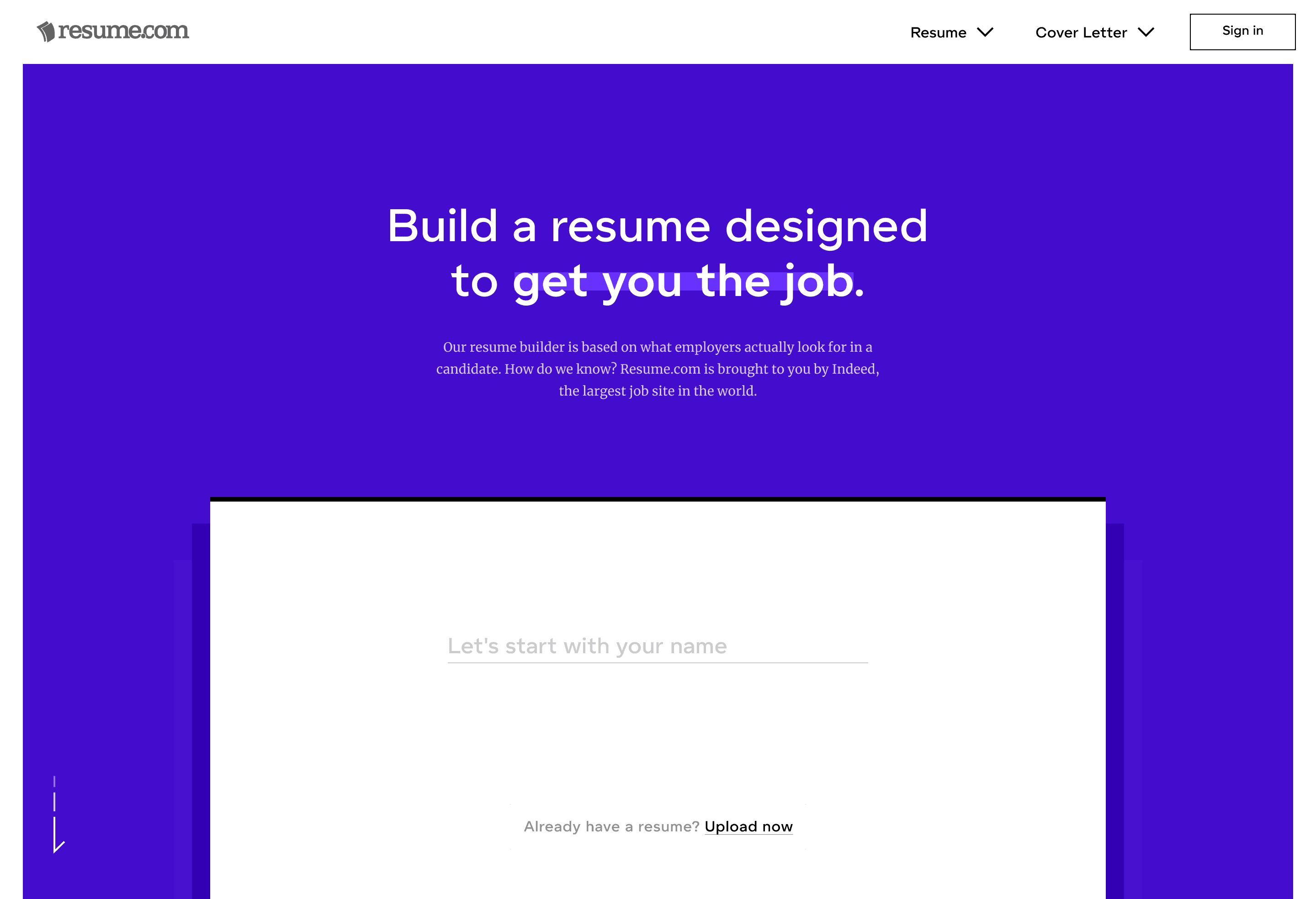
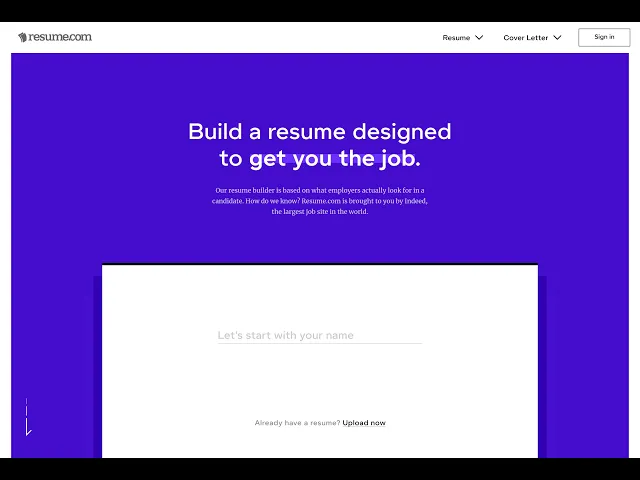
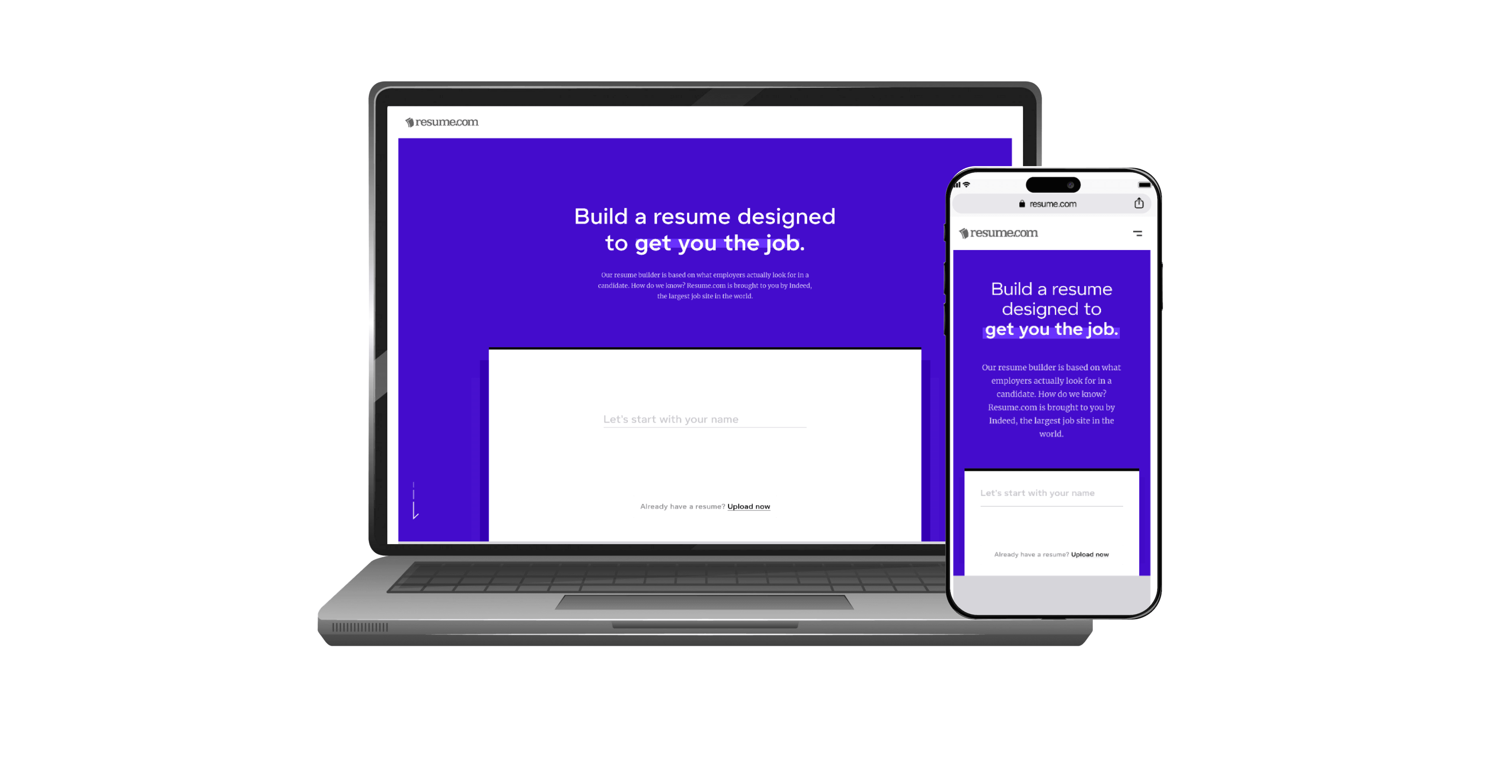
Creating a modern, intuitive resume builder that simplifies resume creation while increasing engagement and user satisfaction.
Problem
Users struggled to customize resumes and preview changes in real-time.
Templates were inflexible, limiting creativity.
High drop-off rate during the resume creation process.
Role & Responsibilities
Sole UX/Product Designer responsible for end-to-end redesign.
Conducted user research, created wireframes, prototypes, and final visual designs.
Collaborated with developers to ensure accurate implementation.Process
Research & Analysis:
Conducted usability testing of the existing site.
Interviewed users to understand pain points and needs.
Mapped user journeys and personas.
Ideation & Wireframing:
Created low-fidelity wireframes for multiple flows.
Iterated based on user testing feedback.
3. Prototyping & Visual Design:
Developed interactive prototypes for desktop and mobile.
Designed drag-and-drop customization, real-time previews, and dynamic content library.
Testing & Iteration:
Conducted AB testing on templates and features.
Optimized UI for responsiveness and accessibility.
Solutions & Features:
Drag-and-drop resume builder with real-time preview.
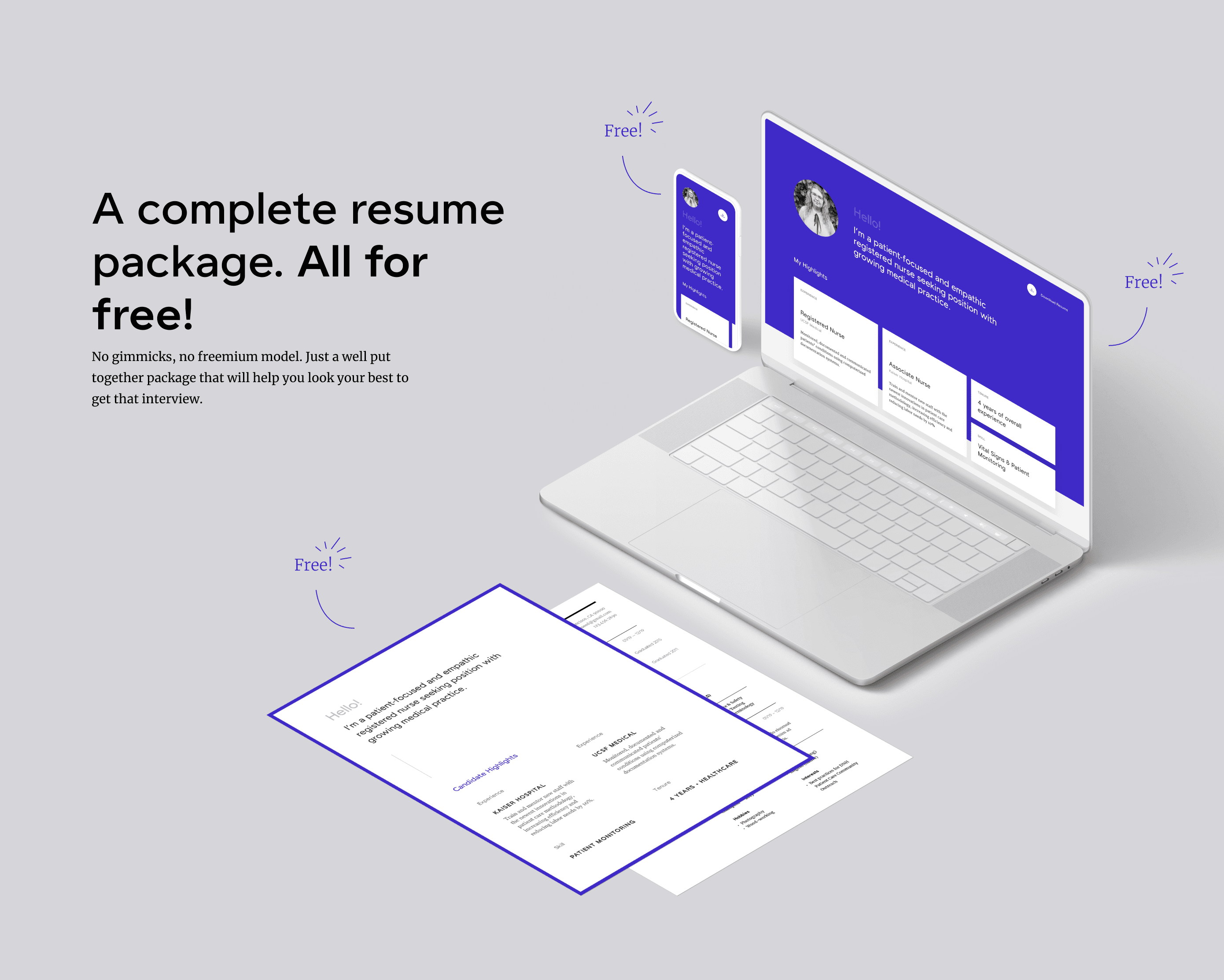
Flexible templates allowing more user control.
Streamlined sign-in and resume-saving process.
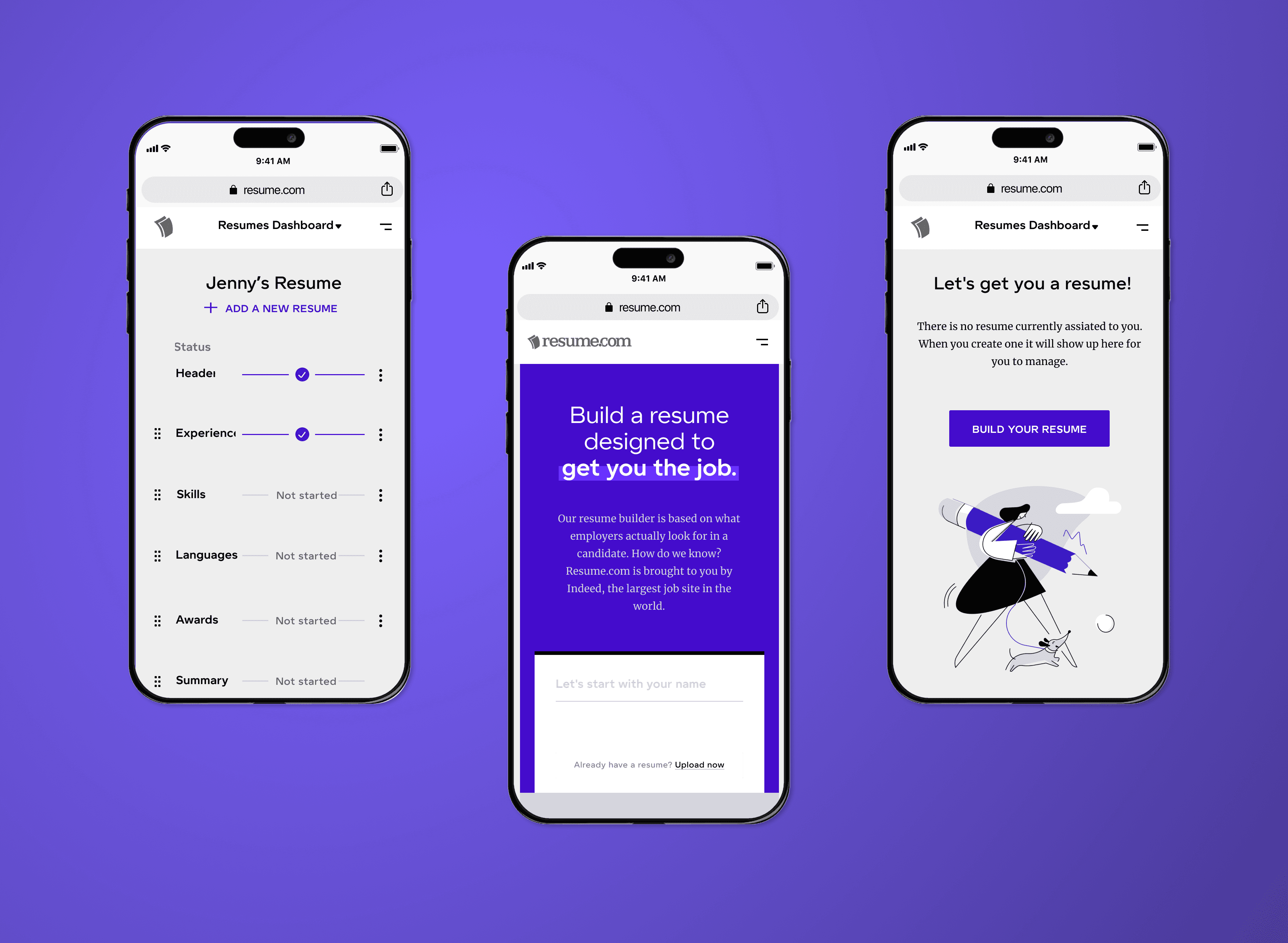
Optimized responsive and mobile-friendly layouts.
Impact / Results
50% increase in user engagement during resume creation.
35% reduction in drop-off rate.
Improved user satisfaction and ease of use.
Key Skills Highlighted
User research & testing
Interaction design & wireframing
Visual design & prototyping
Design system & component optimization
Accessibility & responsiveness
Lessons Learned
User-Centered Design Matters: Early usability testing revealed pain points I hadn’t anticipated. Listening to real users shaped better flows and increased engagement.
Iterate Quickly & Often: Low-fidelity wireframes and prototypes allowed faster iterations, saving time before committing to visual design.
Balance Flexibility and Guidance: Users want creative control, but too much freedom can be overwhelming. Designing clear constraints improves usability.
Design Systems Improve Efficiency: Using a component-based approach made it easier to maintain consistency across templates and speed up design-to-development handoff.
Accessibility is Non-Negotiable: Even small adjustments, like responsive layouts and color contrast, significantly enhanced usability for all users.
Metrics Drive Decisions: Measuring engagement and drop-off rates helped prioritize which features to optimize first, linking design choices to real impact.
Low - Fi Usability Testing Empathy maps
Card Sorting, Site Mapping, Low/ High Fidelity Wire Framing
Quick look of the website flow